
Receipts in, tax-ready report out.
ReceiptZero scans your receipts, reads the vendor, date and total on your phone, and exports a PDF or CSV you can hand to your accountant or keep for the CRA or IRS. Free to download, on iPhone and Android.
What it looks like
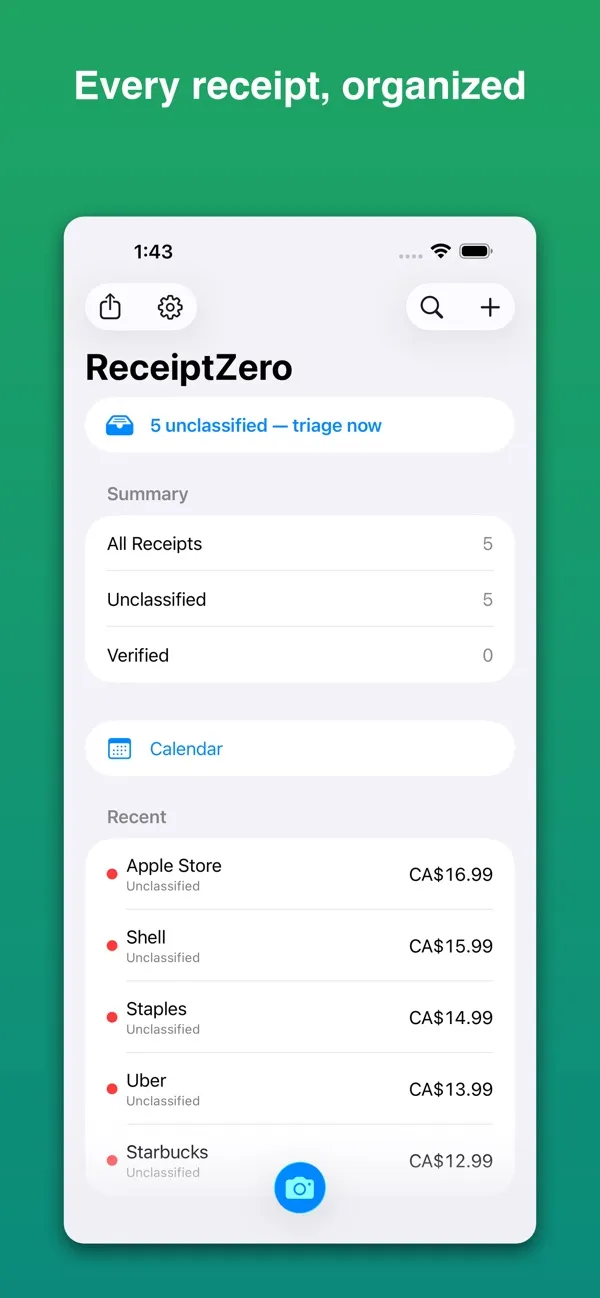
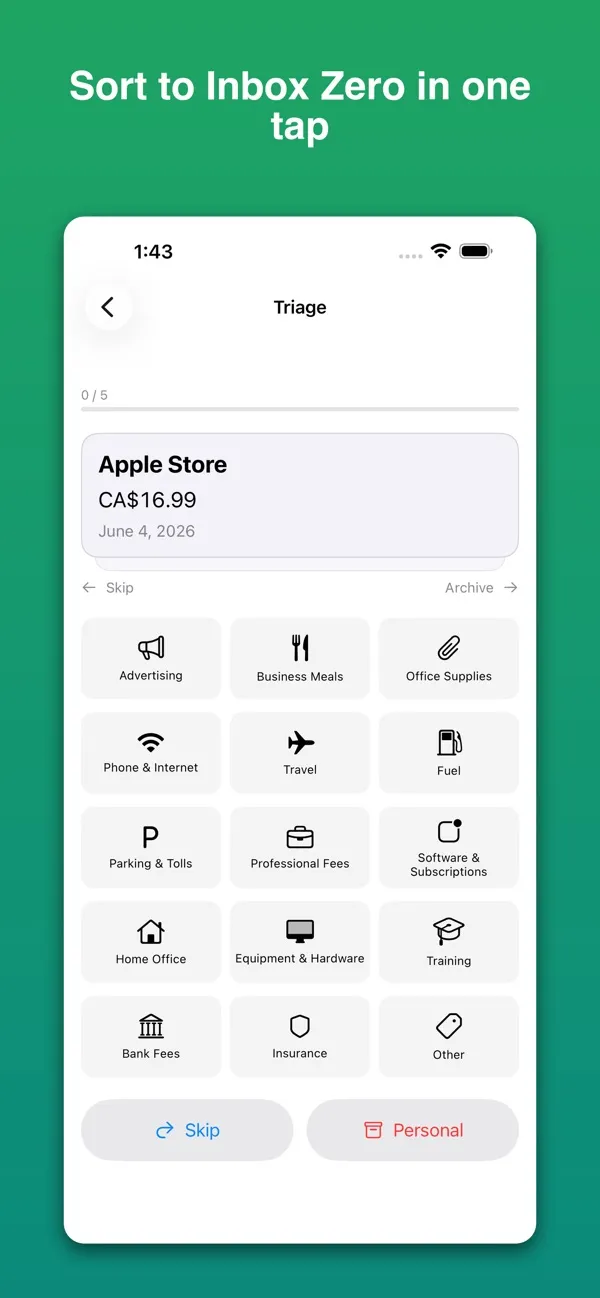
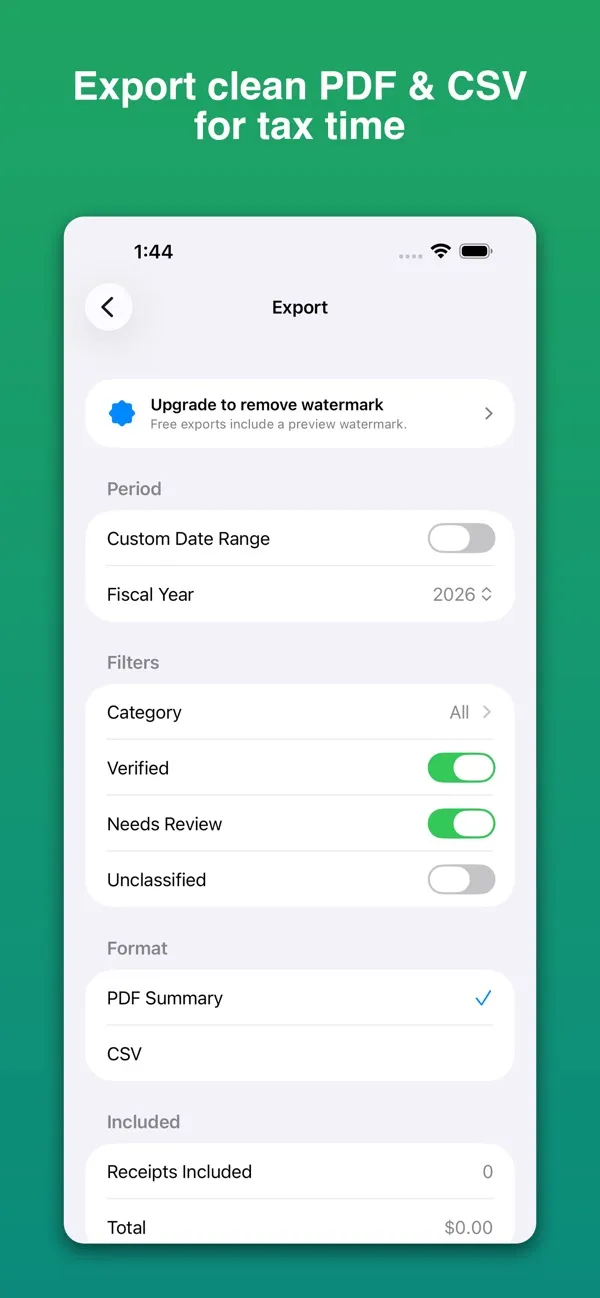
Screens from the iPhone app.
Who it's for
Freelancers, self-employed people, gig workers and anyone who travels for work and has to keep receipts for taxes or expense claims — in the US or Canada.
How it works
- Point the camera at a receipt. Text recognition runs on the phone and fills in the vendor, date and total.
- Check the details and put the receipt in an expense category.
- When it's time to file, pick a period and export a PDF summary or a CSV.
- Send the file to your accountant or keep it with your tax records.
What's free, what's not
| Price | Free to download |
| Scanning | Every feature works on the free version |
| Free exports | PDF exports carry a “Free Preview” watermark; CSV exports include the first 10 receipts |
| Pro | Optional annual subscription or one-time lifetime purchase; removes the export limits |
| Ads | None on iPhone. The Android version is ad-supported |
| Where your receipts live | On your phone. On iPhone, iCloud Backup (on by default) syncs to your own private iCloud and can be turned off in Settings |
| Requires | iOS 17.0 or later, or Android from Google Play |