Best Free QR Code Scanner & Generator App for iPhone in 2026 (I Tested 4)
QR codes are everywhere now. Restaurant menus. Event tickets. Business cards. Product packaging. Payment links. You scan them dozens of times a week without thinking about it.
But what about when you need to create one?
Your iPhone camera can scan QR codes just fine. What it can't do is create a QR code for your menu link, your Wi-Fi or your contact card. For that, you need a dedicated app -- and most of them are either full of ads or charge a subscription for basic features.
Here's what's actually worth using in 2026. (We also included Qrra in our 5 free iPhone apps you need in 2026 roundup.)
What to Look for in a QR Code App
Scanning is table stakes. The real differences show up when you need to create:
- Generate QR codes — links, contact cards, Wi-Fi credentials, plain text, and more
- No paywall to create — the free version should actually let you make codes, not just scan
- No subscription — not "free to scan, paid to create"
- A history — so you can find a code again later
The Comparison
| Feature | Qrra | QR Reader | Scan Me | iPhone Camera |
|---|---|---|---|---|
| Price | Free | Free (ads) → Premium | Free (limited) → Paid | Free |
| QR scanning | Yes | Yes | Yes | Yes |
| QR generation | Yes | Paid | Limited | No |
| Ads | Yes — first 5 uses ad-free, then every other use; one-time Remove Ads | Yes | Yes | No |
| Subscription required | Never | For full use | For full use | N/A |
Qrra: Scan and Create, No Subscription
Qrra covers both sides — scanning and creating — without a paywall.
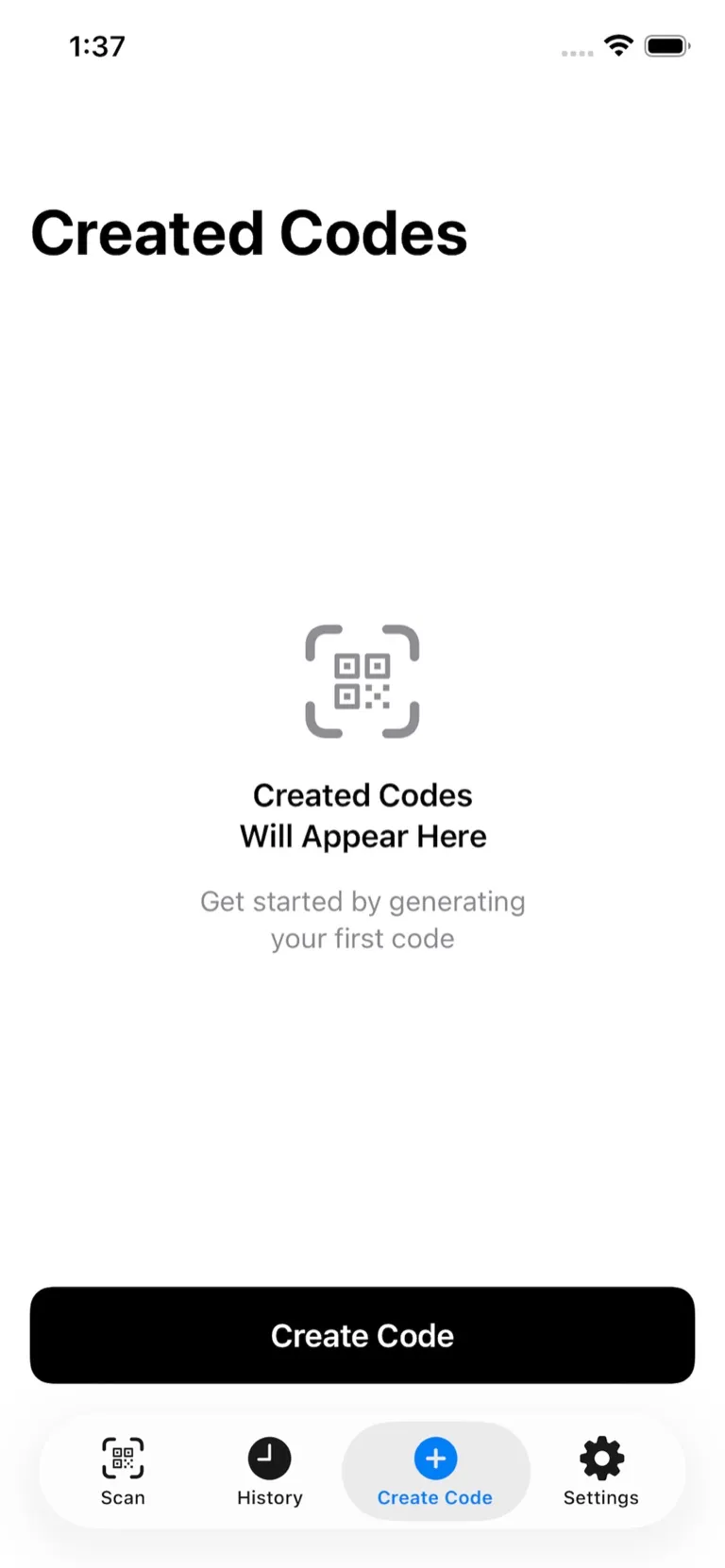
Scanning
Point your camera at a QR code or barcode and Qrra reads it. URLs, contact info, Wi-Fi passwords, app links — whatever the code contains, you get it immediately.
Just fast, clean scanning — and once a code is decoded, you can jump straight to searching it on Google, Amazon, and more.
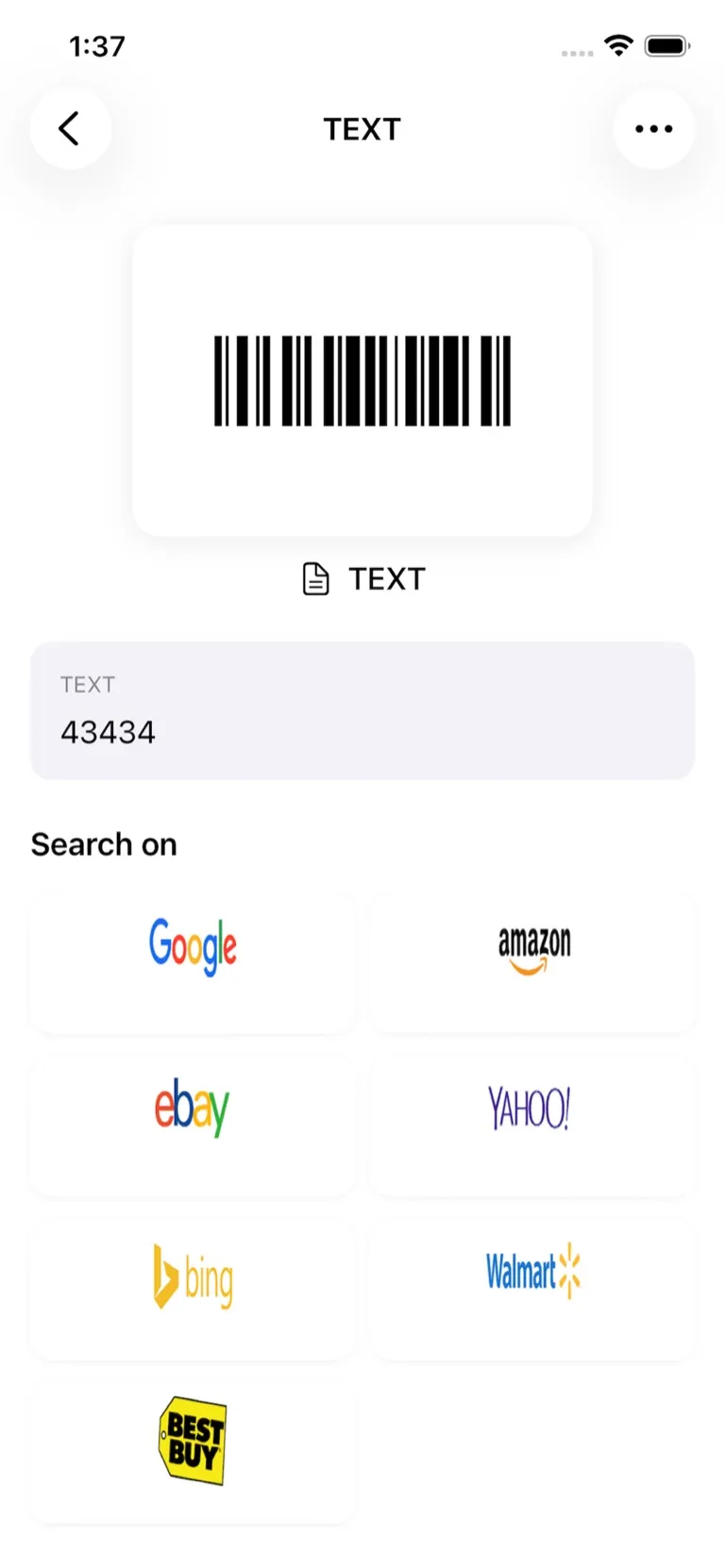
Creating QR Codes
Thirteen content types. Create QR codes for links (URL), contact cards, Wi-Fi networks, text, email, phone numbers, SMS, App Store links, and Facebook, Instagram, X, WhatsApp and YouTube profiles. Save the code to Photos, and find it again in Qrra's history.
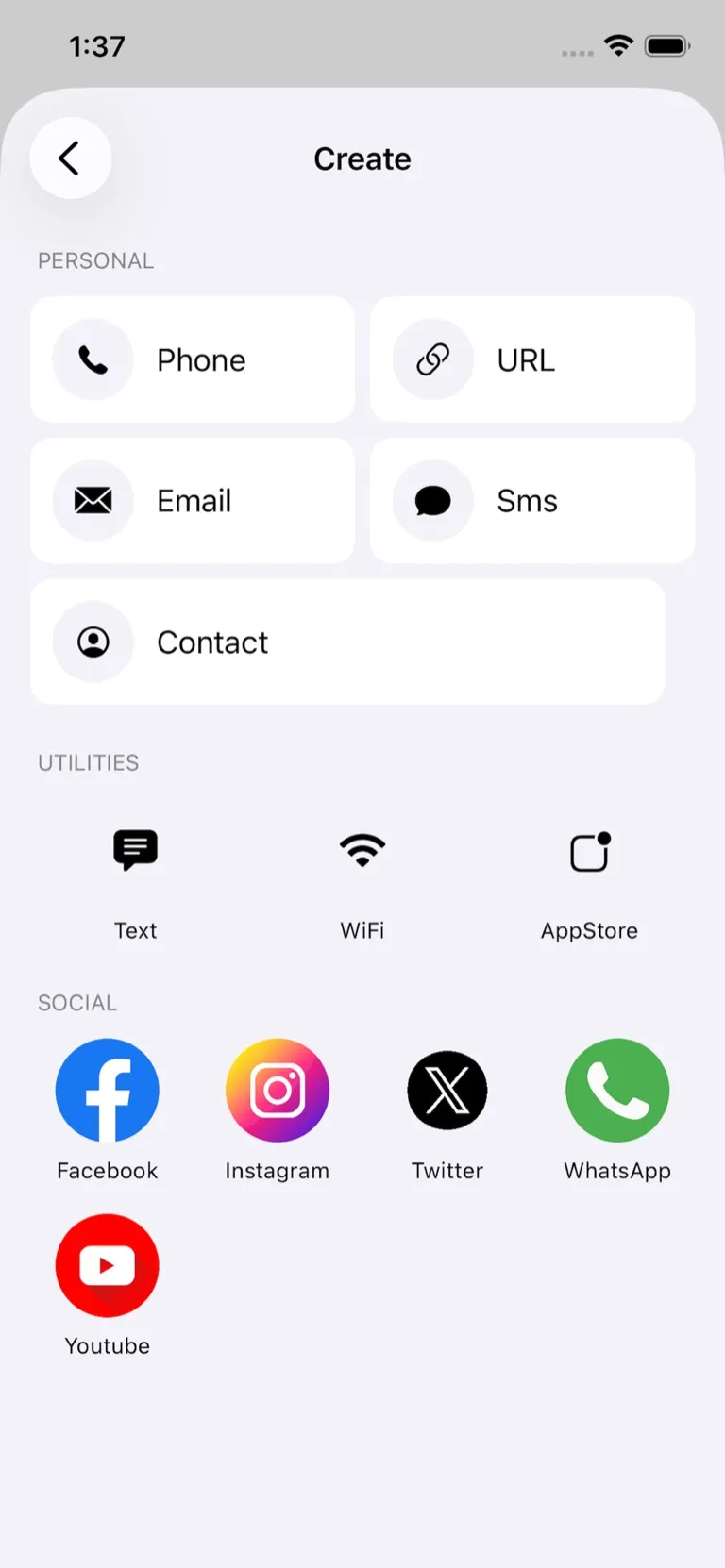
Standard, high-contrast codes. Qrra doesn't add colors or logos — it makes plain black-and-white codes, which cameras read most reliably.
How it's paid for. Qrra shows ads. Your first 5 uses are ad-free; after that a full-screen ad appears every other use, and a one-time Remove Ads purchase turns them off.
Who Actually Uses QR Codes?
Small Business Owners
A restaurant owner creates a QR code linking to the online menu page. Customers scan it at the table. When dishes change, the owner updates the menu page — the printed code keeps working because the page address stays the same.
A café puts a QR code at the counter linking to their loyalty program sign-up. A boutique adds one to packaging linking to styling tips on their website. If you also need to scan receipts and documents to PDF, Scanory is the free companion for going paperless.
Event Planners and Marketers
A QR code on event flyers links to the registration page. On name badges, it pulls up contact info. On product displays, it goes to reviews or a promo video.
With Qrra, you create the code, save it to Photos, and drop it into your flyer design.
Remote Workers and Freelancers
Share your contact info without fumbling with business cards. Generate a vCard QR code, put it in your email signature or on your laptop, and anyone can scan it to add you to their contacts instantly. If you're in meetings all day, you might also want a free voice transcription app to capture what's discussed.
Anyone Who Connects People to Wi-Fi
A QR code for your home or office Wi-Fi means guests never have to ask for the password. Generate it once in Qrra, print it, and you're done.
The Other Options
iPhone Camera: Scanning Only
Your iPhone's built-in camera is perfectly capable of scanning QR codes — no app needed. But it stops there. It can't create contact, email, phone or SMS codes, and it doesn't keep a history. (Recent iOS can show a QR code to share Wi-Fi from the Passwords app.) If all you do is scan occasionally, the camera is fine. If you need to create, you need an app.
QR Reader: Ads and Paywalls
QR Reader is one of the most downloaded QR apps on the App Store. It works well for scanning, but the free tier comes with ads and the creation features are locked behind a premium subscription. You're essentially paying to remove friction that shouldn't exist in the first place.
Scan Me: Limited Free Tier
Scan Me offers basic scanning for free but restricts QR code generation significantly on the free tier. Custom design options are a paid feature. For occasional use it's fine, but for anything regular, you'll hit the limits quickly.
The Bottom Line
If you only ever scan QR codes and never need to create them, your iPhone camera is all you need.
But if you create QR codes — for your business, for events, for sharing contact info, for anything — you need an app that actually handles creation, and preferably one that doesn't make you pay for it.
- QR Reader works but ads and paywalls get in the way.
- Scan Me is limited on the free tier.
- iPhone Camera can't create QR codes at all.
- Qrra scans QR codes and barcodes and creates QR codes — no subscription, no watermark, ad-supported.
Frequently Asked Questions
Is Qrra really free to create QR codes?
Yes, with ads. There's no subscription, no per-code fee and no watermark. Your first 5 uses are ad-free; after that a full-screen ad appears every other use, and a one-time Remove Ads purchase turns them off.
Can I create a QR code for my restaurant menu?
Yes. Enter your menu page URL, save the QR code and print it on table cards. The code itself can't be edited later — so link it to a menu page you can update.
What types of QR codes can Qrra generate?
Links (URL), contact cards, Wi-Fi, text, email, phone, SMS, App Store links and five social profiles (Facebook, Instagram, X, WhatsApp, YouTube). Codes are standard black and white — Qrra doesn't add colors or logos.
Is the iPhone camera enough for QR codes?
For scanning only, yes — the built-in camera works fine. But the camera can't create QR codes. If you need to create QR codes for your business, events, or personal use, you need a dedicated app like Qrra.
Download Qrra
Create your first QR code in about a minute.
Download Qrra from the App Store — free, ad-supported, no subscription. Also on Google Play.
More Free Apps for Everyday Life
Qrra is part of the SoSo Family — a collection of free-to-download, privacy-focused apps.
Running a business and need to scan receipts or documents? Scanory handles document scanning to PDF with no watermarks, completely free.
Other apps in the family:
- VoiceNote+ — Best free voice memo app with AI transcription in 13 languages
- FitnessLog — Free workout tracker, no subscription needed
- SnapTip — Split bills fairly with free tip calculator